Convert Excel into a readable PDF

Convert Excel spreadsheets into portable PDFs, so tables and reports are easier to share, print and review

Turn raw spreadsheets into cleanly formatted and easy-to-view PDF reports
Easy distribution of balance sheets, payroll records, and P&L statements
Protects proprietary workbook formulas and lookups from third parties

24/7 multilingual phone, chat
and email support | +1-844-898-1076

pdf
Upload Your Files
Drop a File to Convert
or

Everything you can do with ConvertSimpli

Do more with AI-powered file conversion

Convert and edit any type of file easily

  • Transform Excel tables into portable, print-ready PDF pages
  • Prevent accidental formula edits or misaligned table elements
  • Create polished, read-only financial reports in a universally used format
  • Keep workbook content readable across devices
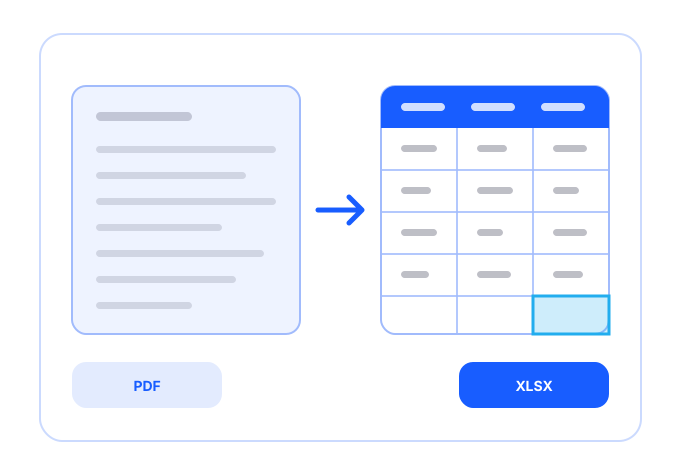
A spreadsheet being fitted onto PDF pages

Frequently asked questions

Simple answers to your questions

How do I convert Excel to PDF?
Upload your Excel file, select Excel to PDF and download the resulting PDF. Review each page to confirm that columns, charts and page breaks display correctly.
Why should I convert an Excel file to PDF?
PDFs make it easier to share a consistent view of spreadsheet data. Recipients can read the information without changing formulas, filters or workbook structure.
Will charts convert from Excel to PDF?
Charts and graphs can be included in the PDF, though you should review their size and placement after conversion. Wide spreadsheets may require landscape orientation or page scaling.
Can I convert multiple worksheets to PDF?
This depends on the workbook structure and conversion workflow. Review the completed PDF to make sure all intended worksheets and pages are included.
Making formats simple
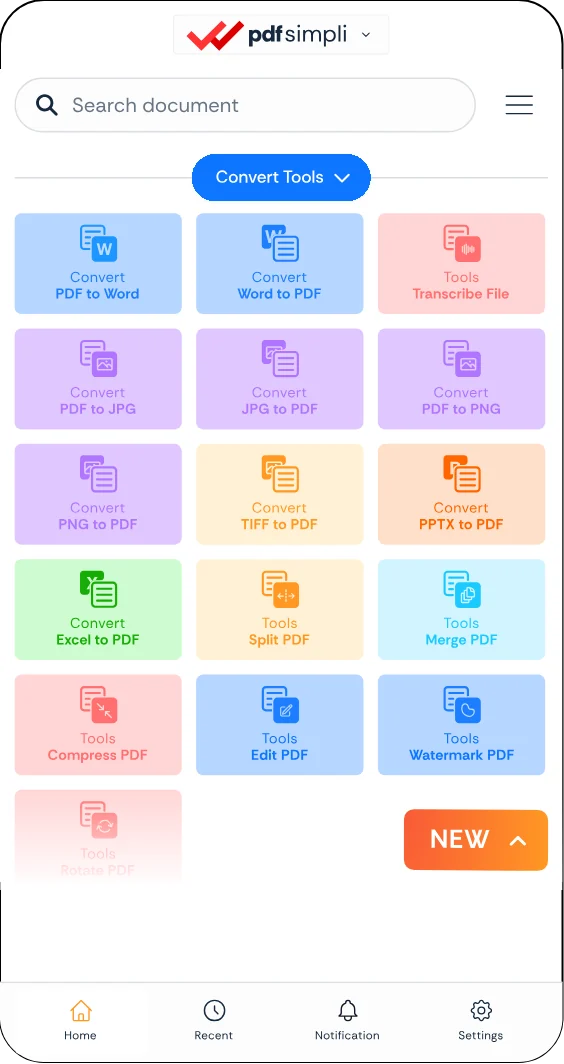
The ConvertSimpli app showing a document being converted between formats
Convert simpli tools