Convert JPG into PDF

Convert JPGs into portable PDFs, ready to organize, share and upload where needed—right from your browser

Combine multiple JPG images into one consolidated and organized PDF
Turn photo scans into documents, ready to email, upload, print, and send
Perfect for records, forms, portfolios, receipts, and easy sharing

24/7 multilingual phone, chat
and email support | +1-844-898-1076

pdf
Upload Your Files
Drop a File to Convert
or

Everything you can do with ConvertSimpli

Do more with AI-powered file conversion

Convert and edit any type of file easily

  • Convert photos to PDF to easily keep pages together and organized

  • Compresses heavy raw images to meet strict 5MB–10MB portal limits
  • Clean image-to-document bundling for streamlined paperwork
  • Optimized for phone uploads to submit instant expense reports
Photos being combined into a PDF

Frequently asked questions

Simple answers to your questions

How do I convert JPG to PDF?
Simply upload your JPG file and choose PDF to convert. Make any edits you need to in our editor and download the finished document after the conversion is complete.
Can I combine multiple JPG images into one PDF?
Yes. You must convert each JPG into a PDF separately. Once you have all the PDFs, choose 'merge' inside of our editor to assemble into a single PDF, which is useful for photo scans, receipts, document pages and image-based records.
Will my JPG image quality change in the PDF?
The resulting PDF will reflect the quality of the original JPG image. Use clear, high-resolution images when the document needs to remain readable after conversion.
Can I turn a phone photo into a PDF?
Yes. Select a JPG photo from your phone, convert it into a PDF and download the document for email, upload or sharing.
Making formats simple
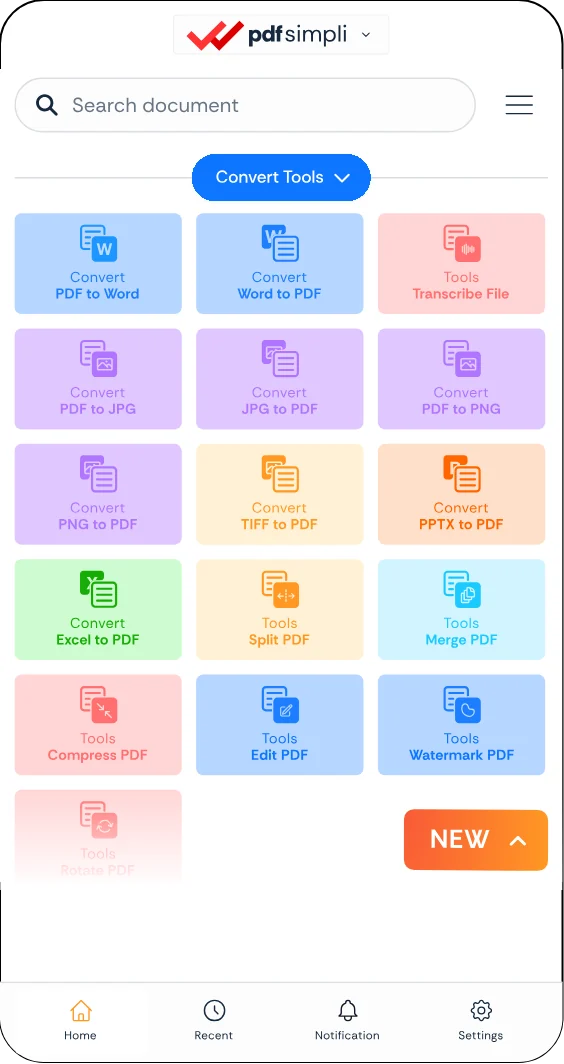
The ConvertSimpli app showing a document being converted between formats
Convert simpli tools