Convert Word docs into polished PDFs

Convert Word documents to PDF format, so files are easier to share, upload and view across devices

Keep design and page layouts stable across different devices
Protects sensitive proprietary text from accidental formatting shifts or edits
Guarantee layout stability for job apps, submissions, and client quotes

24/7 multilingual phone, chat
and email support | +1-844-898-1076

pdf
Upload Your Files
Drop a File to Convert
or

Everything you can do with ConvertSimpli

Do more with AI-powered file conversion

Convert and edit any type of file easily

  • Converts messy docs with tracked changes into a clean PDF

  • Lock document formatting for tamper-resistant, universal sharing
  • Prepare resumes and reports for online uploads
  • Embeds custom fonts so recipients see exact typography
A Word document being converted to PDF

Frequently asked questions

Simple answers to your questions

How do I convert a Word document to PDF?
Upload your Word document, select Word to PDF and download the resulting PDF. Review the final pages to confirm that page breaks, images and formatting appear as expected.
Why should I convert Word to PDF?
PDFs help preserve a document’s layout when it is opened on different devices or shared with people using different software. They are commonly used for resumes, reports, forms and final documents.
Can I convert a DOCX file to PDF?
Yes. DOCX is the standard modern Microsoft Word format and is commonly used for Word-to-PDF conversion.
Will images remain in my Word-to-PDF conversion?
Images are generally included in the resulting PDF. Review image placement, sizing and page breaks after conversion, especially in documents with detailed layouts.
Making formats simple
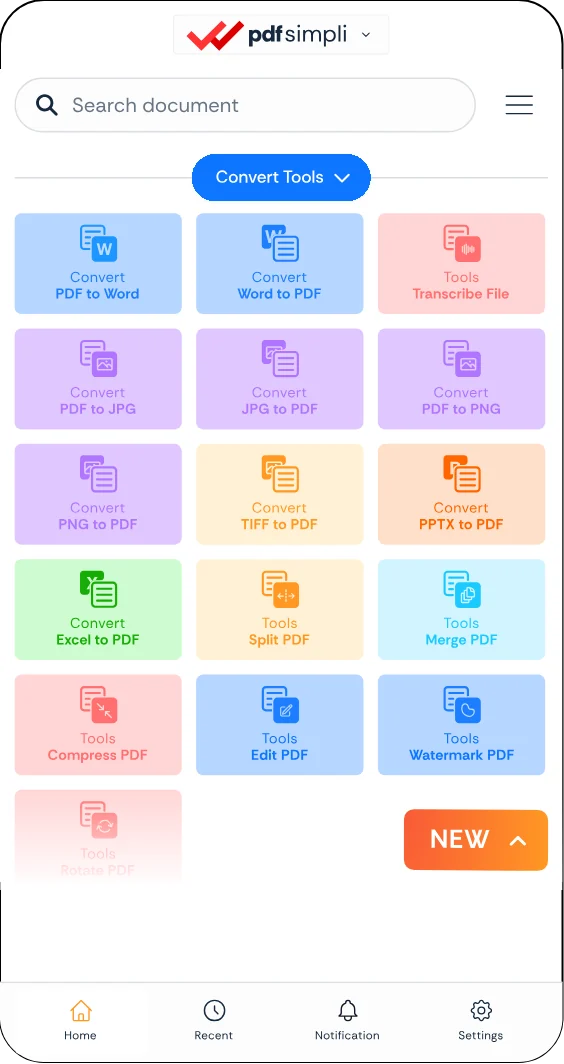
The ConvertSimpli app showing a document being converted between formats
Convert simpli tools